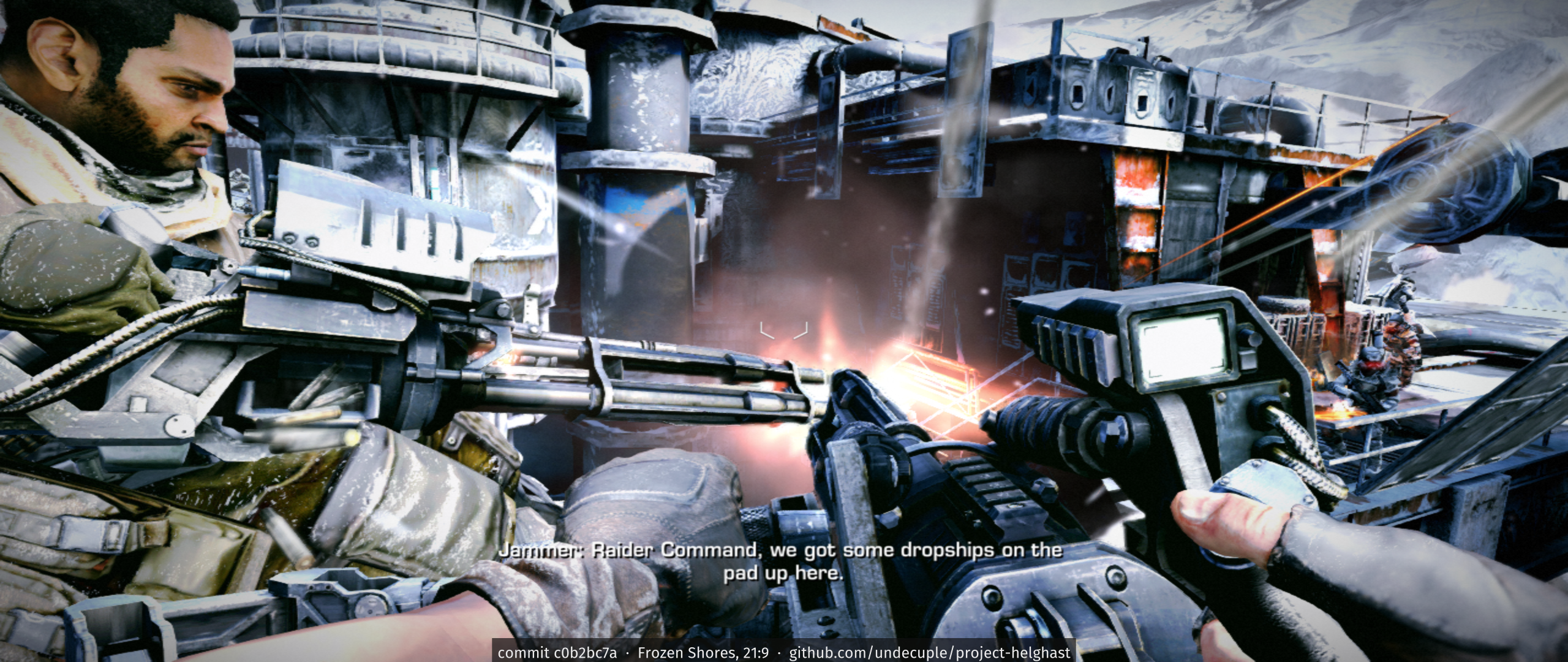
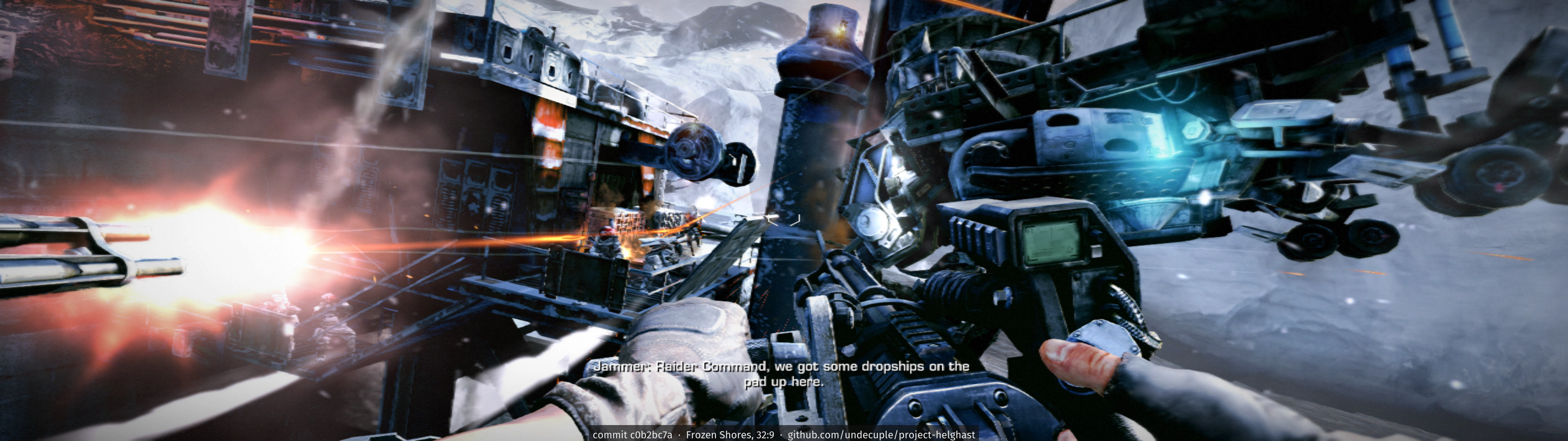
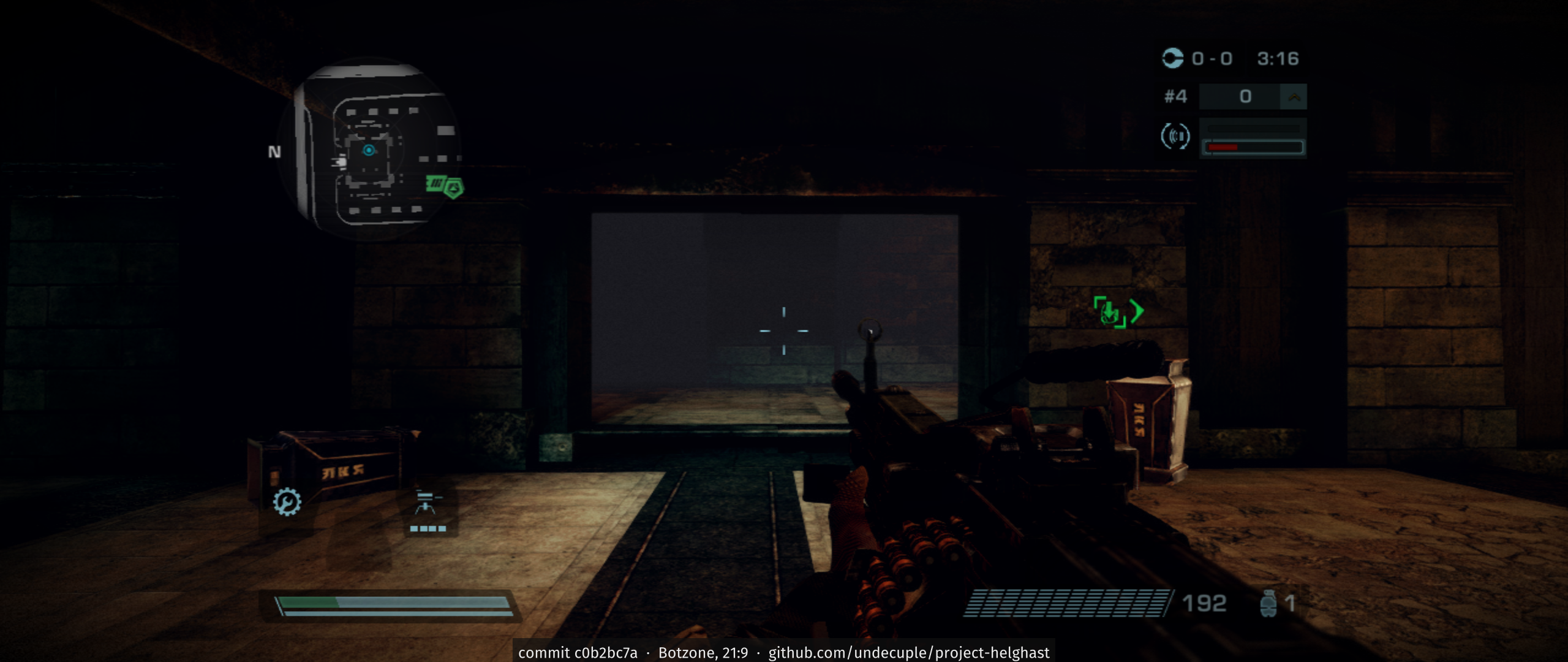
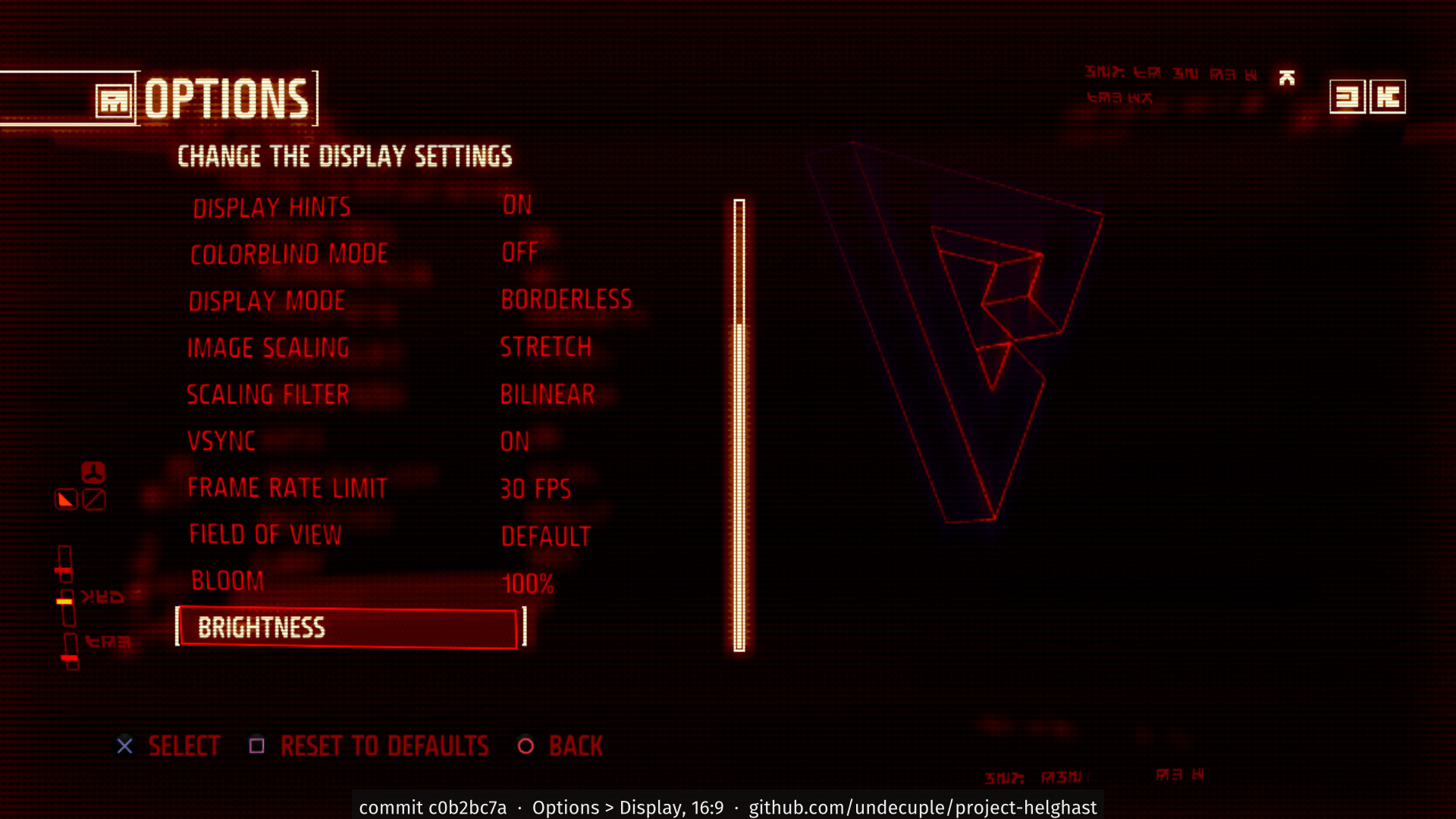
Status: Partly playable
Generated from the repository's own records (the same data as FEATURES.md, where every row has its evidence). Works is claimed only with a recorded result.
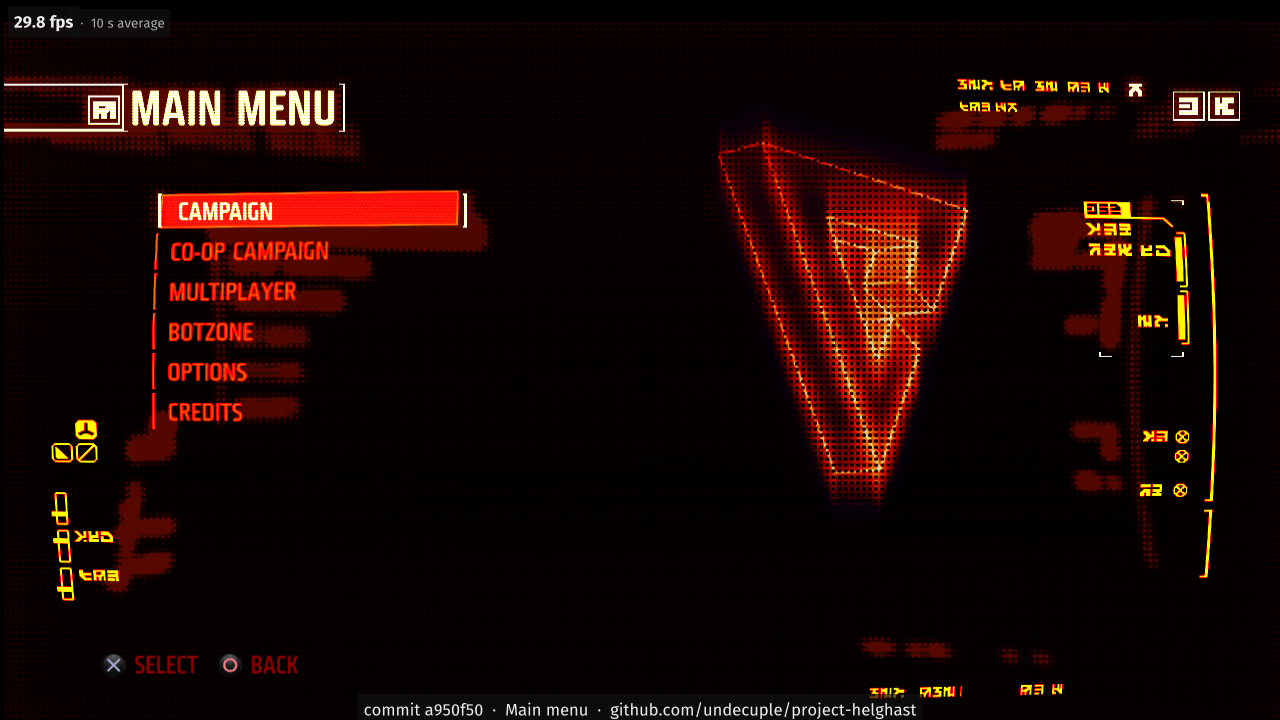
- Title screen, main menu, attract modeworks
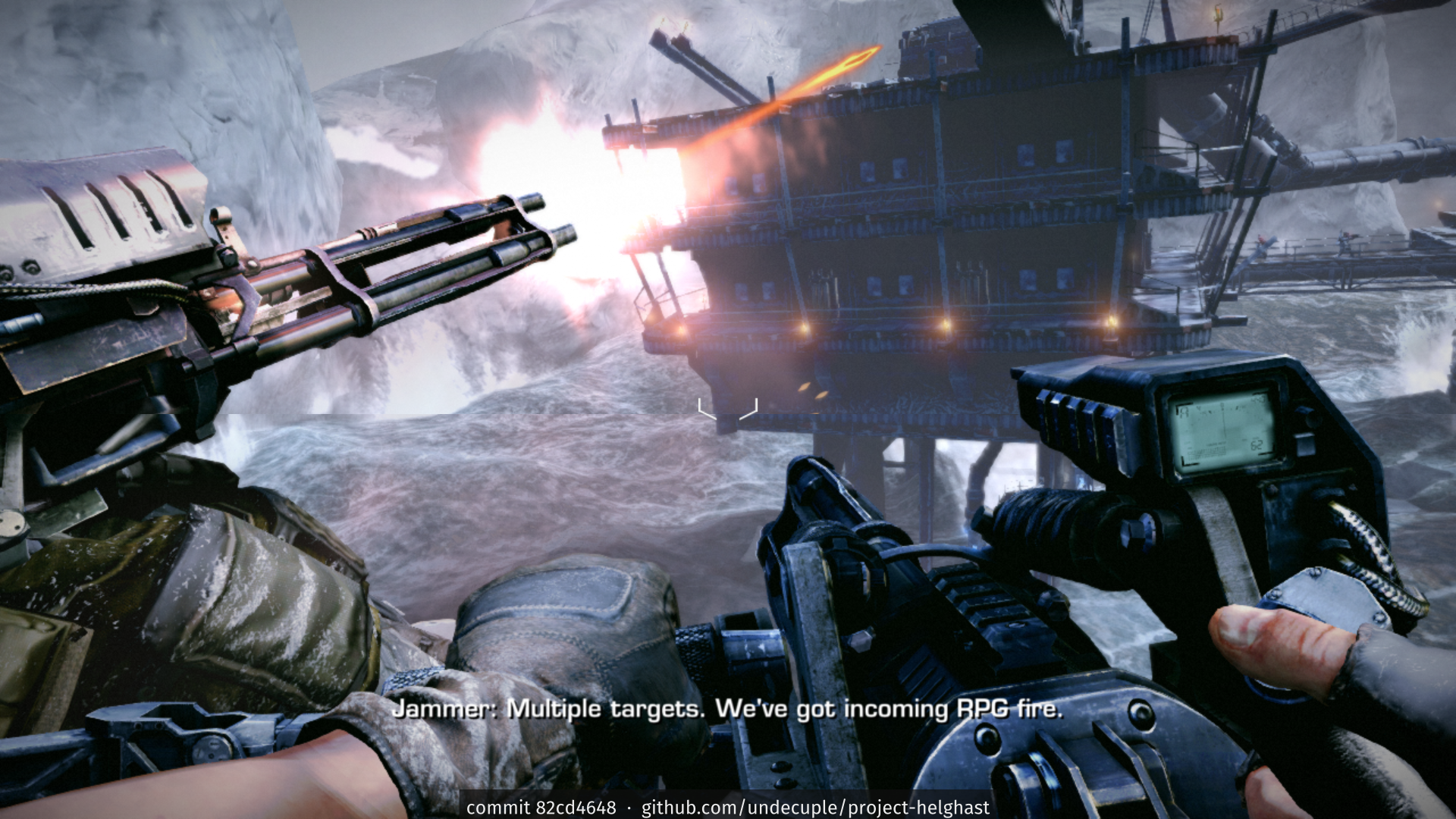
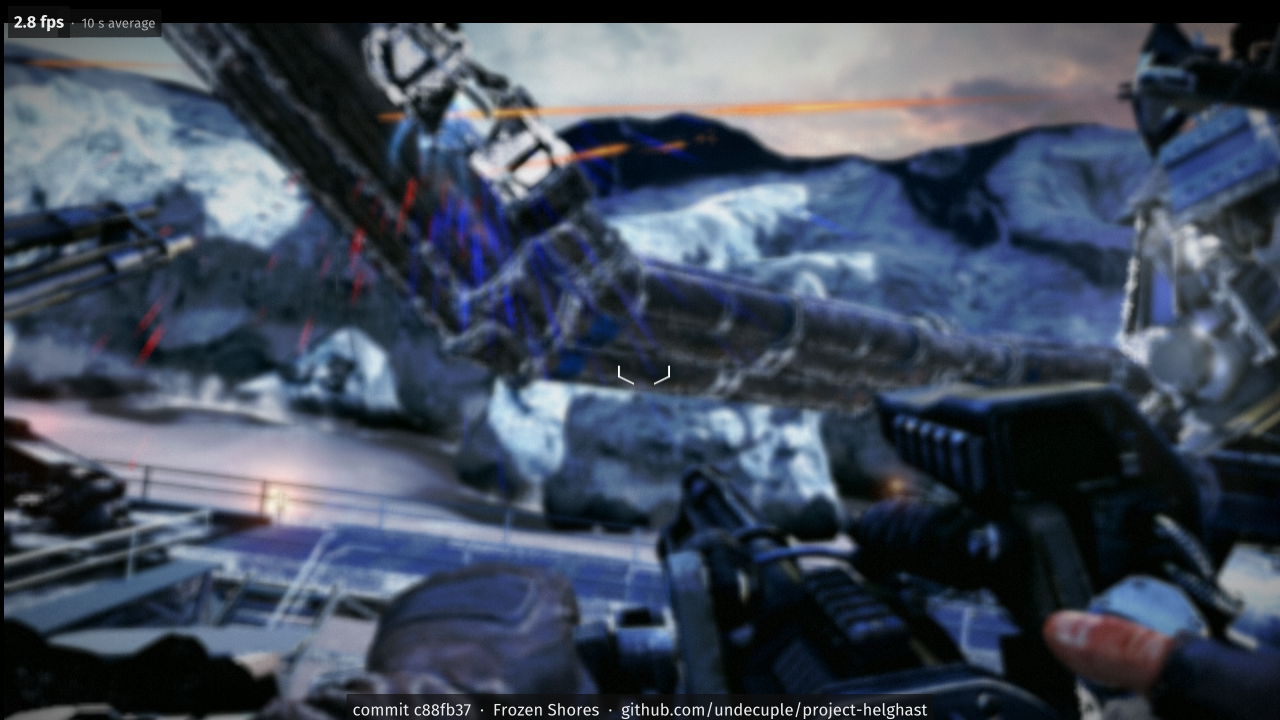
- Level 1 (prologue) loads and runsRuns for 10+ minutes; below full speedpartial
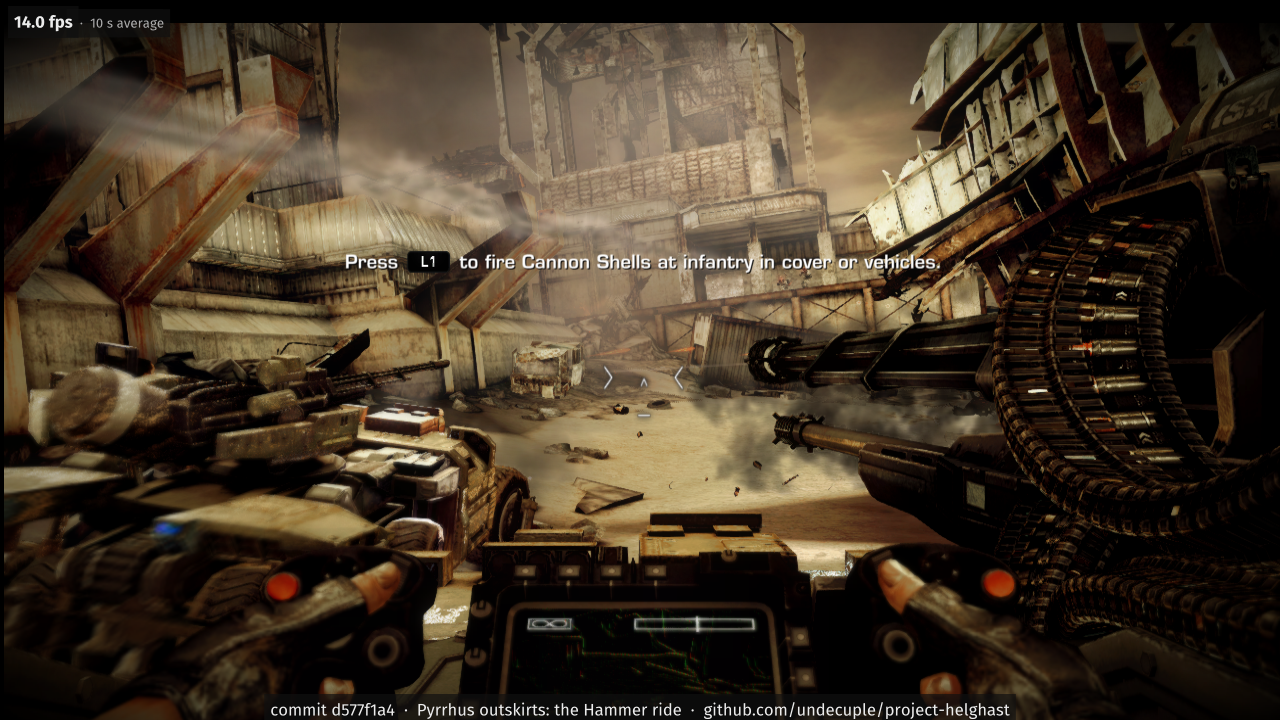
- Frame rateMenus at 30 frames/s; the levels at about 16-22 (target 30); speed is the current blockerpartial
- In-level play (walk, aim, fire, cover, pause menu)Playable with a controller at about 16-22 frames/s; audio stutters in levelspartial
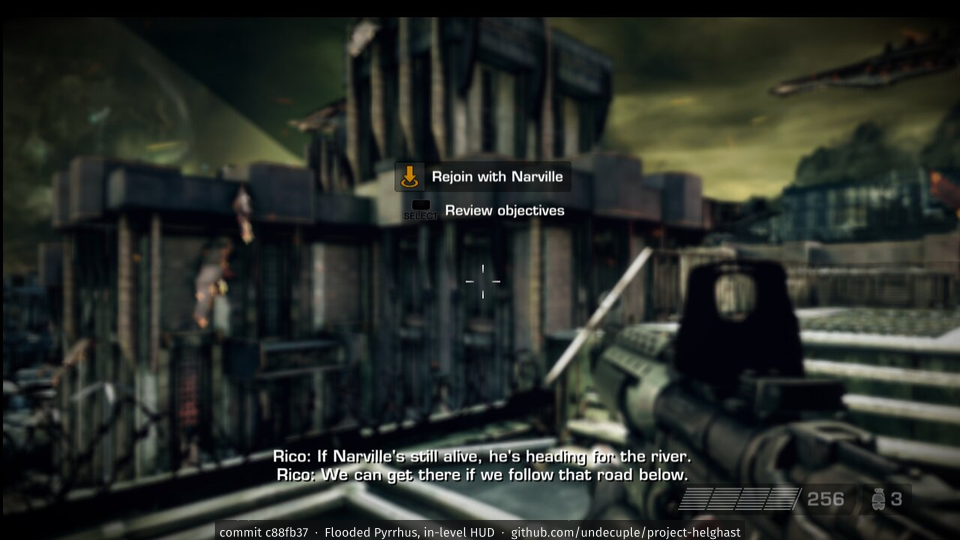
- In-level HUD (ammo, crosshair, objective text)Drawn as on the PS3 (the dark SELECT square in hints is the game's own glyph)works
- Update 1.14 content (balance, Motion Sensor option, DLC trophy set, MP map patch sets)1.14 is the base versionpartial
All features, by status
- works20
- partial13
- not yet8
- not yet verified0
- declined0
- not applicable2
Campaign and levels
| Feature | On the PS3 | In the port |
|---|---|---|
| First-run setup (language, brightness, controller screens) | Shown once on a new profile | works |
| Intro movies and opening cinematic (Bink video) | Play on first boot; skippable afterwards | works Full speed; short stalls while a level loads behind a movie |
| Title screen, main menu, attract mode | Main menu with Campaign, Co-op Campaign, Multiplayer, Botzone, Options, Credits; idle returns to the trailer | works |
| Level 1 (prologue) loads and runs | Loads from Campaign > New Game > difficulty | partial Runs for 10+ minutes; below full speed |
| In-level play (walk, aim, fire, cover, pause menu) | Gamepad gameplay | partial Playable with a controller at about 16-22 frames/s; audio stutters in levels |
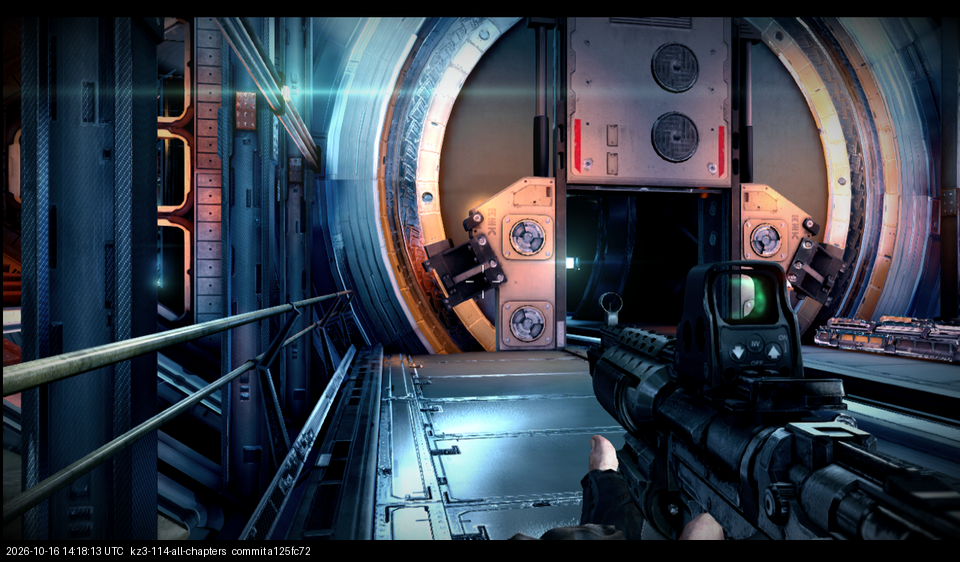
| Levels 2 to 9 | Flooded Pyrrhus to Escape from Helghan (level ids 201-208), picked with Campaign > Select Chapter | partial All nine chapters play; level 202 played by hand to its end (2026-10-20), the others not yet; about 16-22 frames/s |
| Full campaign, start to finish | 9 levels, checkpoints, real-time and video cutscenes | not yet Not played start to finish in one go |
| Motion-sensor sections (valves, demolition charges) | Turned by tilting the SIXAXIS pad; update 1.14 adds an option to use the stick instead | not yet Fix planned: stick by default when the pad has no gyro |
Controls
| Feature | On the PS3 | In the port |
|---|---|---|
| Gamepad (DualShock 3 layout: sticks, face buttons, triggers, d-pad) | Wired or Bluetooth DualShock 3 | works XInput pads work directly and PlayStation pads through Steam Input; PlayStation, Switch Pro and Xbox pads without Steam are coded (SDL3, built in; not yet confirmed on real hardware; a DualShock 3 on Windows needs its DsHidMini driver). Keyboard/mouse is port-only (section 2) |
| Pressure-sensitive buttons | Analog face buttons and shoulder buttons | not applicable The game does not use button pressure |
| Rumble | Vibration through the pad | works Works through Steam Input today; rumble on PlayStation and Switch Pro pads without Steam goes through the built-in SDL3 input (SDL3), unconfirmed on real hardware |
| SIXAXIS motion input | Tilt for valves, charges and an optional aim correction | not yet Built in: the pad's own sensors on DualShock 4 and DualSense; not yet confirmed on real hardware. Pads without sensors give rest values |
| Controller options (schemes, inversion, sensitivity) | Options > Controller | works That the changed values reach in-level aiming was not run (see the in-level play row); on 1.14 the list has an extra SimulView row (Co-Op SimulView, Off), so Wireless Controller is the fifth entry |
| Button prompts (PlayStation glyphs) | Game's own glyphs in hints and menus | works Xbox and keyboard glyph sets are port-only (section 2) |
Graphics
| Feature | On the PS3 | In the port |
|---|---|---|
| Resolution and aspect | 1280x720 at 16:9 (the console upscales to the TV) | works Higher internal resolutions, window modes and widescreen options are port-only (section 2) |
| Frame rate | 30 frames/s target, vertical sync | partial Menus at 30 frames/s; the levels at about 16-22 (target 30); speed is the current blocker |
| Deferred lighting, sun shadows, depth of field, post effects | The game's deferred renderer with an SPU post-processing chain | partial |
| Anti-aliasing (MLAA on the SPUs) | Morphological AA as an SPU post job | partial A host FXAA pass is the planned replacement at higher resolutions (section 2) |
| Occlusion of light coronas | Hidden behind geometry | works |
| Menu text and fonts | The game's glyph renderer | works |
| In-level HUD (ammo, crosshair, objective text) | The game's HUD layer over the level | works Drawn as on the PS3 (the dark SELECT square in hints is the game's own glyph) |
| Brightness (gamma) setting | First-run and options page | works A level scene not checked yet |
Audio
| Feature | On the PS3 | In the port |
|---|---|---|
| Music, effects and dialogue (SPU audio engine) | libsynth/MultiStream on the SPUs, MP3 streams | partial Plays; stutters in levels |
| Audio options (volumes, output mode, surround) | Options > Audio; multichannel output | works Volumes only: the page has no output-mode or surround row; multichannel output is not configured in the port. Audio playback was not part of the check |
Saves and profile
| Feature | On the PS3 | In the port |
|---|---|---|
| Player profile (autosave, first-boot flag, settings) | One profile save per user | works Saves in the user's %APPDATA% folder; a portable install keeps them beside the game |
| Campaign checkpoints and Continue | Checkpoint written in the level, Continue from the menu | works Level-start and mid-level checkpoints work |
Menus and options
| Feature | On the PS3 | In the port |
|---|---|---|
| Campaign menus (difficulty, mission select) | Campaign lobby | works |
| Options pages (controller, audio, display) | Options menu | works Set up 3D TV is greyed out in the list: stereoscopic output is planned but not built yet |
| Pause menu | START in the level | works |
| Credits | Main menu > Credits | works Watched to 100 s of the run; the end of the credits and the return to the menu were not run |
Trophies
| Feature | On the PS3 | In the port |
|---|---|---|
| Trophies (52 on the disc, 79 with update 1.14 and its DLC groups) | PSN trophies, synced to the account | partial Counts read from the 1.14 update's data |
Multiplayer
| Feature | On the PS3 | In the port |
|---|---|---|
| Online multiplayer (Warzone, Guerrilla Warfare, Operations) | Through PSN and Sony's game servers, which are closed | not yet PSN itself: not applicable |
| Botzone (offline matches against bots) | Main menu > Botzone | partial |
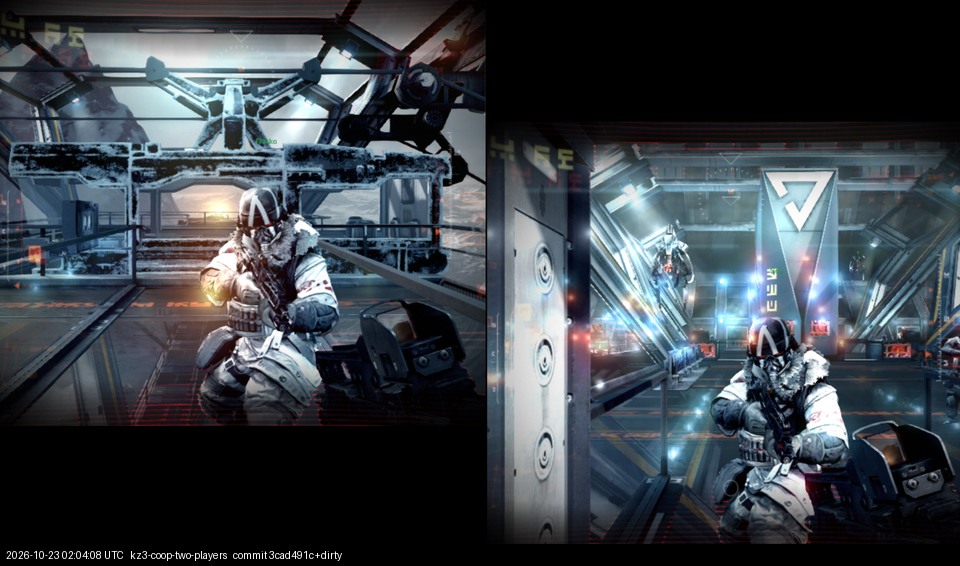
| Split-screen co-op campaign | Two players on one console | partial |
| Voice chat | Headset over PSN | not yet |
| PSN sign-in, friends, messages | In-game PSN features | not applicable |
| DLC map packs (Retribution, Decimation, From the Ashes) | Bought map packs with extra multiplayer maps | not yet Planned: read your own installed packs |
Move and 3D TV
| Feature | On the PS3 | In the port |
|---|---|---|
| PlayStation Move and Sharpshooter | Motion-controller play | not yet Needs a Move controller; tracking needs a camera |
| Stereoscopic 3D TV output | Side-by-side 3D on a 3D TV | not yet Opt-in; 2D stays the default |
Update 1.14
| Feature | On the PS3 | In the port |
|---|---|---|
| Update 1.14 content (balance, Motion Sensor option, DLC trophy set, MP map patch sets) | Cumulative patch installed over the disc | partial 1.14 is the base version |
| Motion Sensor Function option (1.14) | Options > Controller > Advanced Settings | partial Only the menu row is verified: the port's no-gyro default (off, stick sections) is not applied, and a LEFT press back to ON was not seen to restore it in the same run (checked under Proton, last frames) |
Subtitles and languages
| Feature | On the PS3 | In the port |
|---|---|---|
| Language selection and localised text | Nine languages on the startup list; menus and level text in 20+ languages in the data | partial The list draws in full; menus draw in Russian and Traditional Chinese with the player's PS3 system fonts; a level not yet played in another language |
| Subtitles in movies and cutscenes | Subtitle cards and in-game subtitles | works In-level (in-game) subtitles were not reached; the prenarrative text cards are part of the movie and show with either setting |
What the port adds
31 available now, 27 planned. Changes to gameplay stay optional.
All 58 features
| Feature | State | Default |
|---|---|---|
| Archive reads by the port's own file layer | available | on |
| Scheduler deadlock breaker | available | on (2 s) |
| Log files, crash reports and an error notice | available | on |
| Asynchronous shader builds | available | off (opt-in) |
| Shipped pipeline list: shaders build in the background while a level loads | available | on |
| Window modes and scaling (windowed, borderless, fullscreen, Alt+Enter, resizable, DPI aware) | available | on |
| Rebindable controls (every action, primary and secondary key, conflict warning, reset; saved to a local config file) | available | on |
| Button prompts that follow the device in use (PlayStation, Xbox, keyboard/mouse), XInput rumble | available | auto |
| Discord Rich Presence: “Playing Killzone 3” with the current chapter | available | off (opt-in) |
| Exit Game in the main menu (with a confirm prompt) | available | on |
| Quit to desktop from the pause menu (with a confirm prompt) | available | on |
| The window title and the process name in Task Manager read Project Helghast, with the port's icon | available | on |
| Chinese, Korean, Russian and Japanese text from your own PS3 system fonts or bundled open fonts | available | on when no system font is installed |
| Game language follows your Windows language (override with KZ3_LANG) | available | on |
| Larger window (720p to 4K) with the picture scaled, 16:9 kept | available | off (PS3 size) |
| Keyboard binds by key position (WASD stays put on AZERTY, QWERTZ, Dvorak) | available | on |
| Native mouse look on foot, on by default (KZ3_MOUSE_LOOK=0 or kz3.ini mouse_look = 0 turns it off): raw mouse counts into the game's own look, PC-style sensitivity in degrees per count (kz3.ini [input] mouse_sensitivity, default 2.5 x 0.022 degrees; mouse_ads_sensitivity; mouse_invert_y), scaled by the weapon's zoom; every count is shown on the view at once (KZ3_MOUSE_LATCH=0 switches the view to the game's own timing); no stick dead zone, acceleration or smoothing; mouse movement made while menus, pauses or loading screens are up is dropped instead of turning the view later | available | on |
| Mouse pointer hidden over the game window (KZ3_CURSOR_HIDE=0 keeps it) and held inside the window while mouse look is on; Alt+Tab, minimise or dragging the window lets go | available | on |
| Mouse hover and click in the game's own menus: hover focuses the item under the pointer, left click selects, right click goes back, wheel scrolls | available | on |
| Saves and caches location: %APPDATA% by default; an empty portable.txt next to the launcher keeps them in the game folder (--portable/--appdata for one run; switchable after install) | available | %APPDATA% |
| Gameplay view at the window's aspect (Hor+ on ultrawide, Vert+ on 16:10) | available | on |
| VSync on or off (display.ini vsync = on|off, or Options > Display > VSync); with it off, frames may tear where the system allows it; the game's own 60 Hz clock is unchanged | available | on |
| Options > Mouse page: mouse sensitivity, zoomed-in sensitivity and invert Y, applied at once and saved | available | - |
| Esc goes back in menus on the keyboard, as Circle does on a pad (Backspace still works) | available | on |
| Frame rate limit 30, 60 or 120 (Options > Display > Frame rate limit, display.ini fps_limit); above 30 a warning says game logic tied to the frame rate may misbehave | available | on |
| Field of view setting for the campaign and co-op (Options > Display > Field of view, Default or 70-110; display.ini fov); aiming down sights stays relative | available | opt-in |
| Bloom strength setting (Options > Display > Bloom, 0-100 % in steps of 10; display.ini bloom); 100 is the game's own look, 0 removes the glow | available | 100 |
| Pad layouts: the game's own scheme by default, a Modern preset, or a Custom layout per action (33 groups, swap on conflict, copy Default or Modern, keybinds.ini [pad actions]); Options > Controls > Advanced Settings > Layout and Prompts page | available | opt-in (the game's own layout is the default) |
| Option pages that match the game: descriptions for the port's rows in the game's tooltip panel, the Display list scrolling inside the game's list area, Reset to defaults covering the port's rows, and a menu pointer in the game's colours | available | on |
| HUD, menus, subtitles and movies stay 16:9 and centred on wide, ultrawide and 16:10 screens while the 3D view fills the window (display.ini hud_169; no Options row yet) | available | default on |
| Opt-in crash reports to the project's error tracker | available | off |
| Internal resolution scale (720p, 1080p, 1440p, 4K, match window) | planned | on where it looks right |
| Host anti-aliasing (FXAA) in place of SPU MLAA | planned | on at scaled resolutions |
| Widescreen: 16:10 and 4:3 bars, ultrawide Hor+ field of view | planned | bars on; ultrawide opt-in |
| VRR, frame limiter, low-latency mode | planned | - |
| 60 frames/s and above | planned | off where it changes gameplay |
| Keyboard and mouse with native mouse aim | planned | on when a mouse or keyboard is used |
| Aim assist as a setting | planned | off on mouse and keyboard, on with a gamepad |
| Aim response (lighter stick smoothing and acceleration) as a setting | planned | original response by default (opt-in) |
| Motion-sensor sections on the stick by default; gyro pass-through for pads that have one | planned | stick when the pad has no gyro |
| PC settings page in the game's own menu style | planned | - |
| Native Linux build | planned | - |
| Native macOS build (Apple silicon) | planned | - |
| Native upgrade path toward a full decompilation | planned | - |
| Android (ARM64) build | planned | - |
| Better than the PS3: steadier frame rate, lower input lag, shorter loads, optional 60 fps | planned | steadiness on; 60 fps opt-in |
| Ray-traced sun shadows, then ambient occlusion and reflections | planned | off |
| Mod support (data mods as folders over the game's archive; code mods later) | planned | off (no mods = the game as shipped) |
| Stereoscopic 3D output (side by side, top and bottom) from the game's own 3D mode | planned | off |
| VR (SteamVR headsets) | planned | off |
| PlayStation Move and Sharpshooter (psmoveapi; camera tracking or motion-sensor pointer) | planned | off |
| Renderer choice (Direct3D 12, Vulkan or OpenGL, picked in the installer) | planned | Direct3D 12 |
| Temporal anti-aliasing and upscaling (TAA, DLAA, DLSS, FSR): the game renders no motion vectors, so camera-only vectors first, character ghosting measured | planned | Backlog after parity; not started |
| Saves in the PS3's own format: copy a save between the port, RPCS3 and a PS3 | planned | - |
| Online co-op campaign: the second player joins the host's split-screen co-op from another PC (their input to the host, their half of the picture streamed back) | planned | off (opt-in) |
| In-game voice chat for multiplayer and the online co-op campaign (microphone and headset on the PC; online only when the player picks it) | planned | opt-in |
| Motion blur strength (Options > Display > Motion blur, 0-100 %); no clean off yet: skipping the game's motion blur pass garbles the picture, so the row is not offered | planned | 100 (the game's own) |
| Minimap with enemy markers, using the game's own radar where possible | planned | - |